.svg)
Upload multiple orders at once using a CSV file. This is ideal for manual stores and custom workflows.
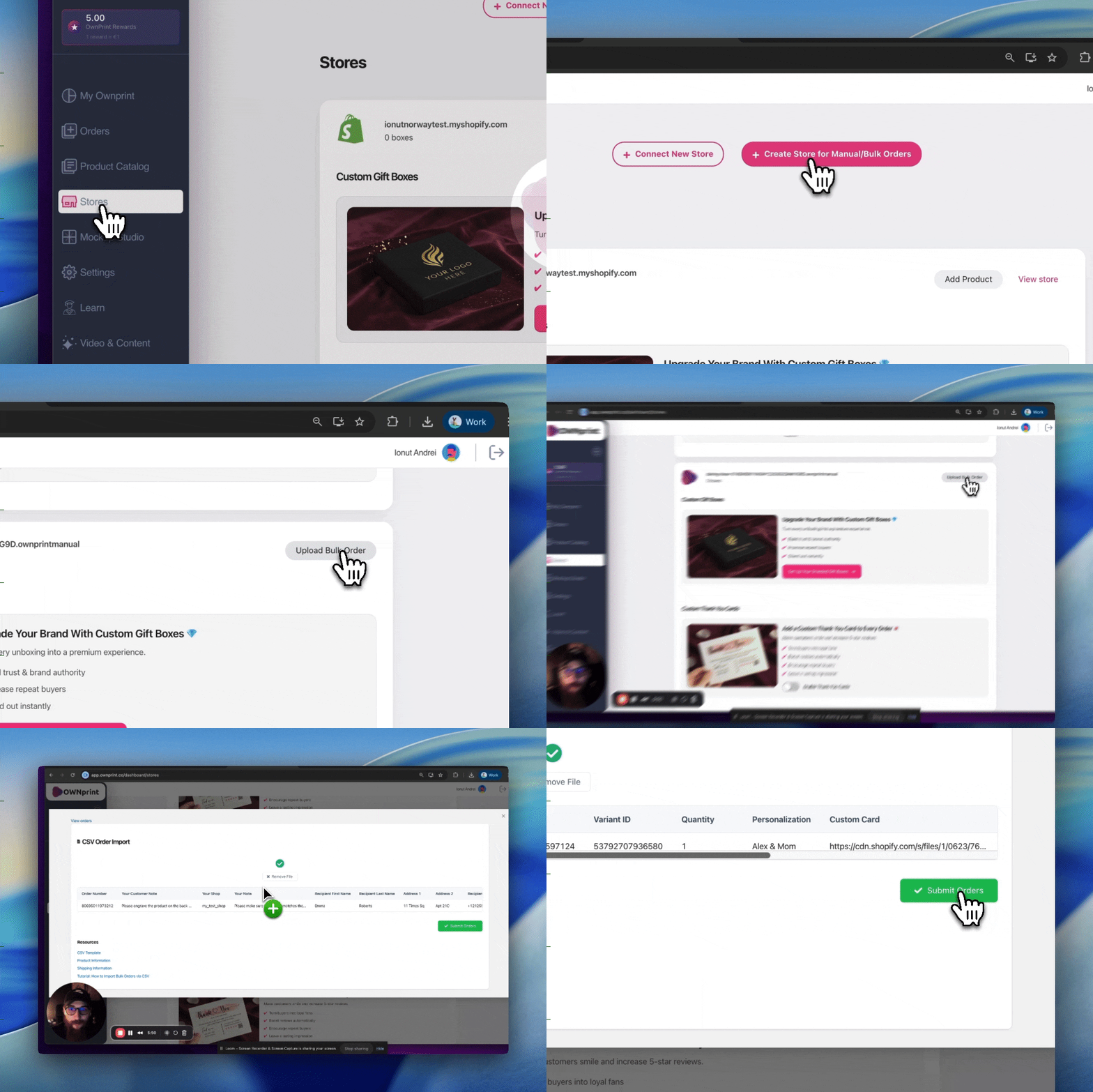
Watch the full step by step walkthrough below.
Download the resources above. You will use these files together, the CSV template for your order details, the product information CSV to copy Product IDs and Variant IDs, and the shipping information CSV for country and region codes.
Each row represents one order. If a single order contains multiple different products, add each product on a new row using the same Order Number.
Tip: Product names in the Product information CSV match the names shown in the sample shop . If you are unsure which product to choose, find it in the sample shop first, then search the same name in the CSV.
The system will validate your file and automatically create your orders. After upload, your orders will appear in the dashboard where you can review and edit them if needed.